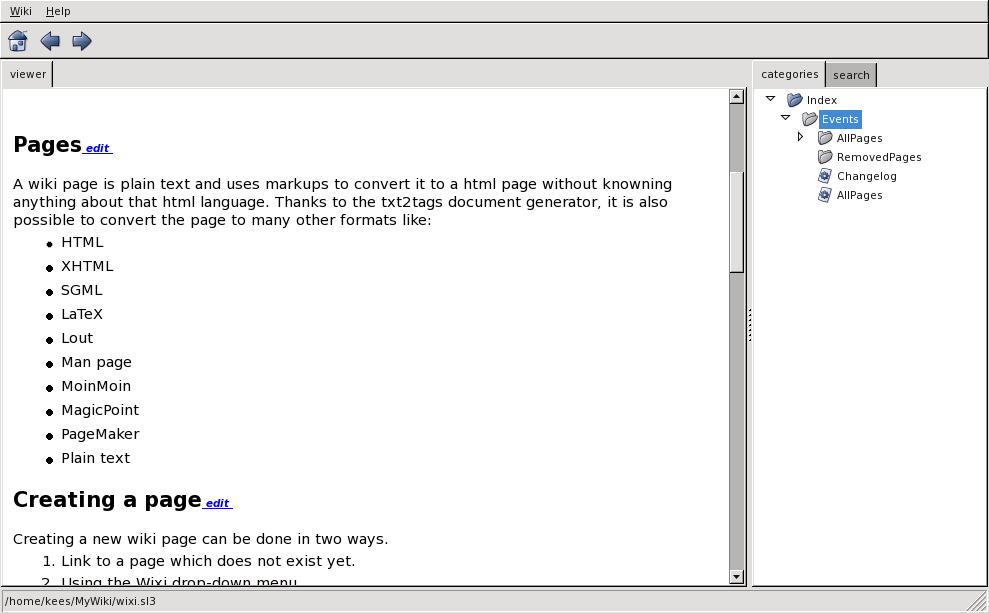
Wixi does support some commandline options:
  Wixi 1.05 (c) 2006-2008 k.remmelzwaal@planet.nl

  Options:
    -r <dir>  --repository=<dir>  (repository containing wiki's)
    -w <wiki> --wiki=<wiki>       (start with a specific wiki)
    -g <geom> --geometry=<geom>   (window width and height, default=850x550)
    -v        --viewmode          (view only mode)

    --navpanel=<left|off|right>   (disable or align category/search panel, default=left)
    --iconsize=<small|large>      (select the size for icons, default=large (gtk))
wixi.py -r /mnt/cdrom/
wixi --navpanel=off
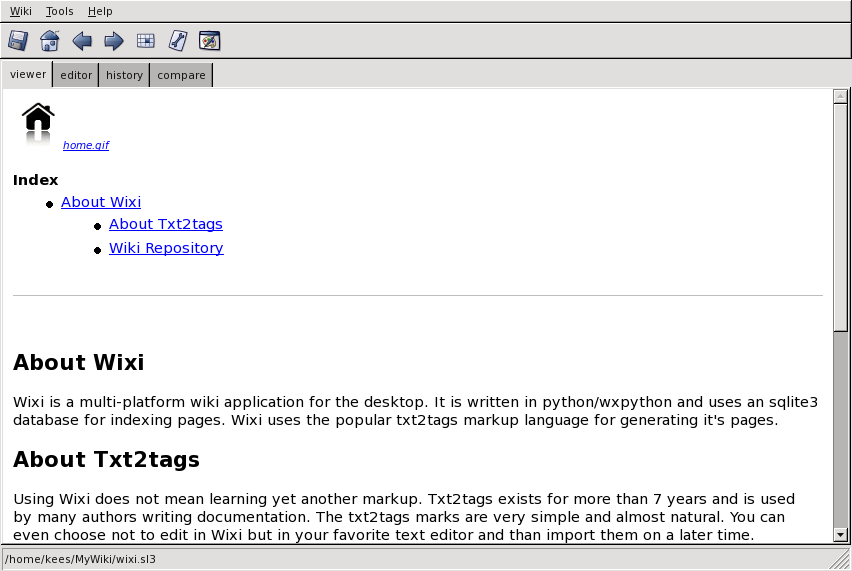
wixi --viewmode