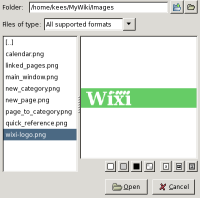
The image browser can help you finding images for your page. All pictures should be placed in the image directory. If you select a picture outside the image directory, it will copy the file to this directory. Go to the menu Tools --> Image browser to open the dialog.
When you opened a selected image, it will add a mark [image.png]
in the page editor. Unfortunately its currently not possible to resize the images.
example